Android Beta
Join the Remodex Android test.
Follow these steps in order so Google Play recognizes your beta access before you install the app.
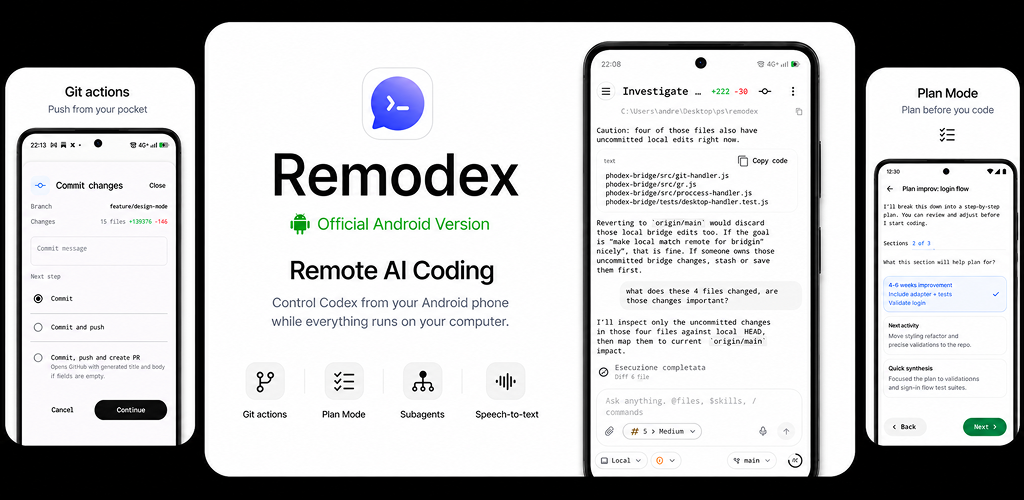
01
Join groupJoin the beta group
Join the Google Group first, then read the messages inside it.
02
Become testerBecome a tester
Open the Play testing page and opt in with the same Google account.
03
Install appInstall Remodex
After opting in, install the Android app from Google Play.
Desktop relay and bridge
The Google Group includes the desktop app link. You can also open it directly here.
Preview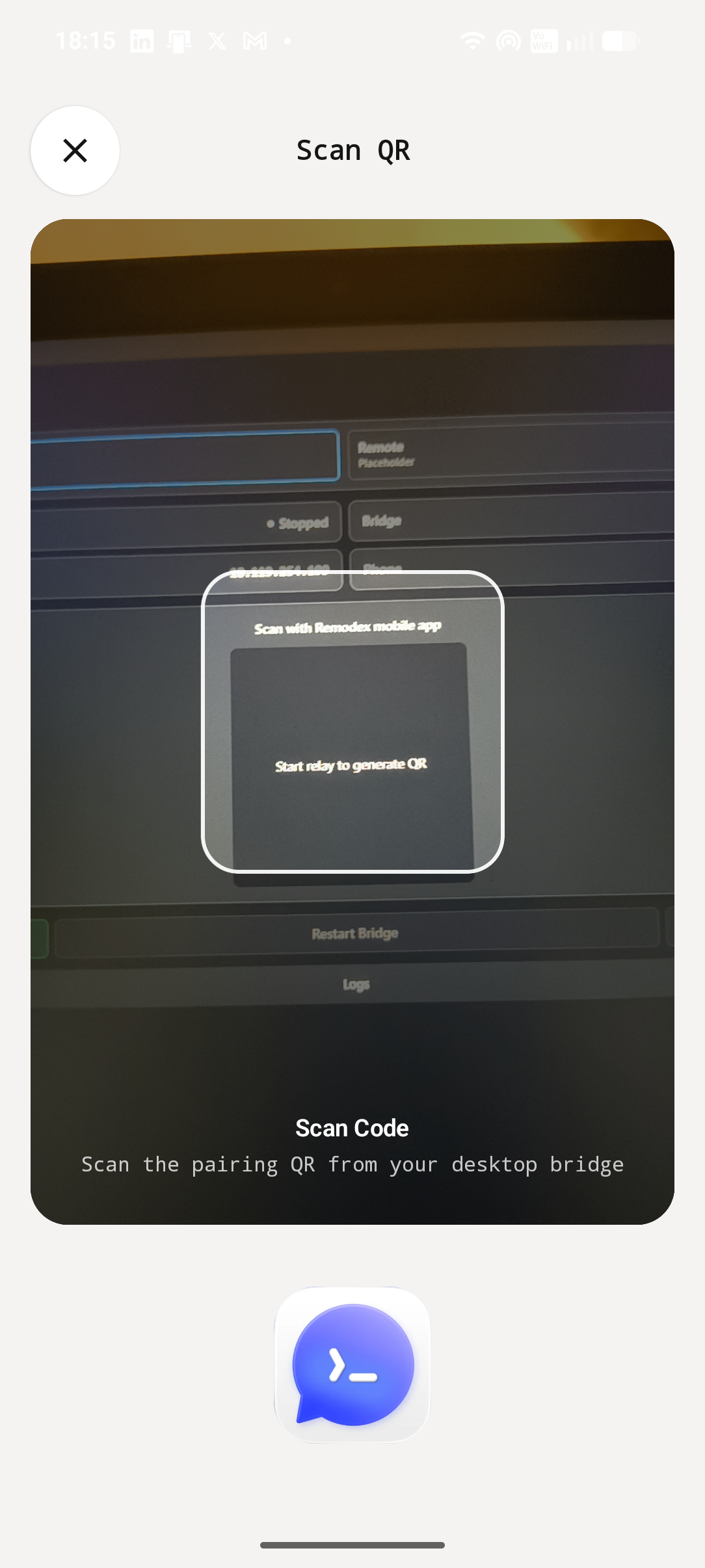
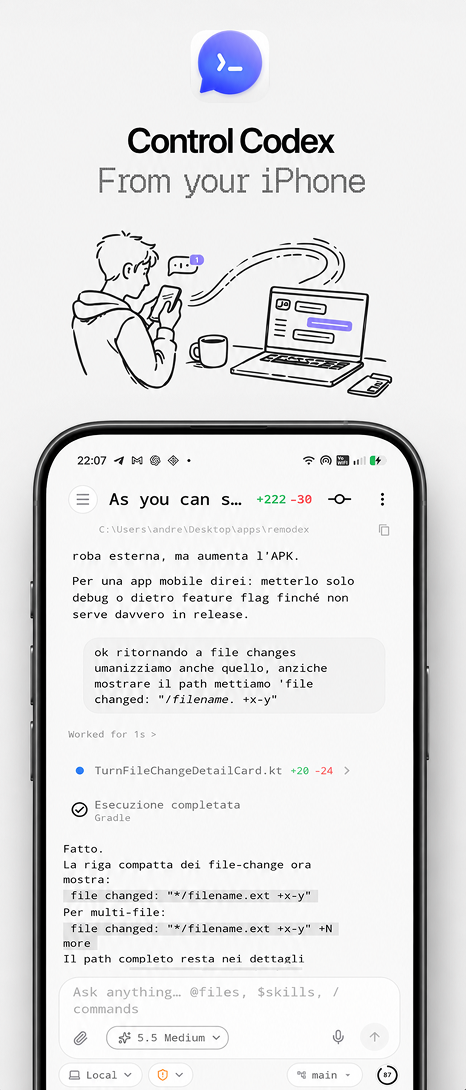
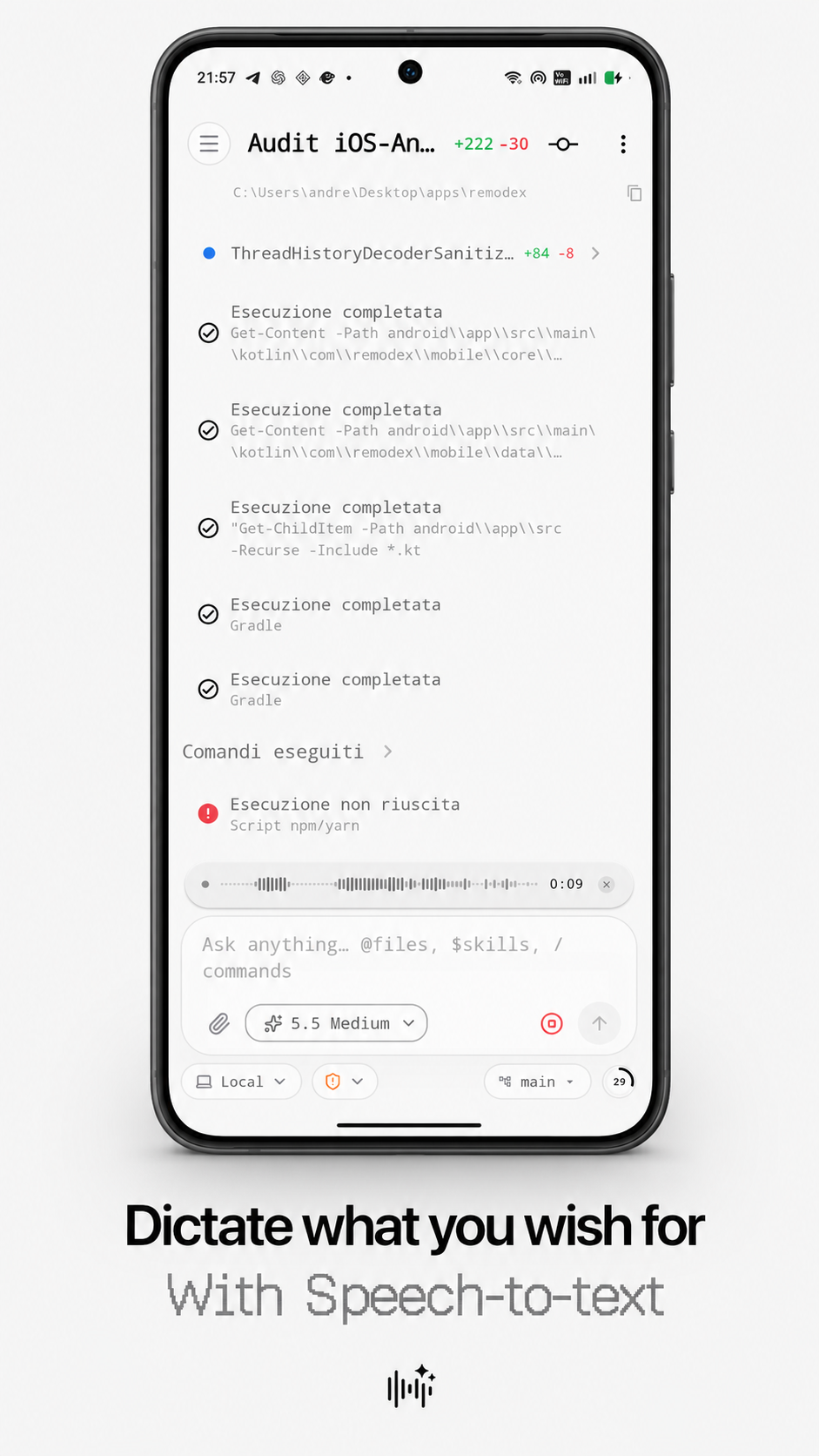
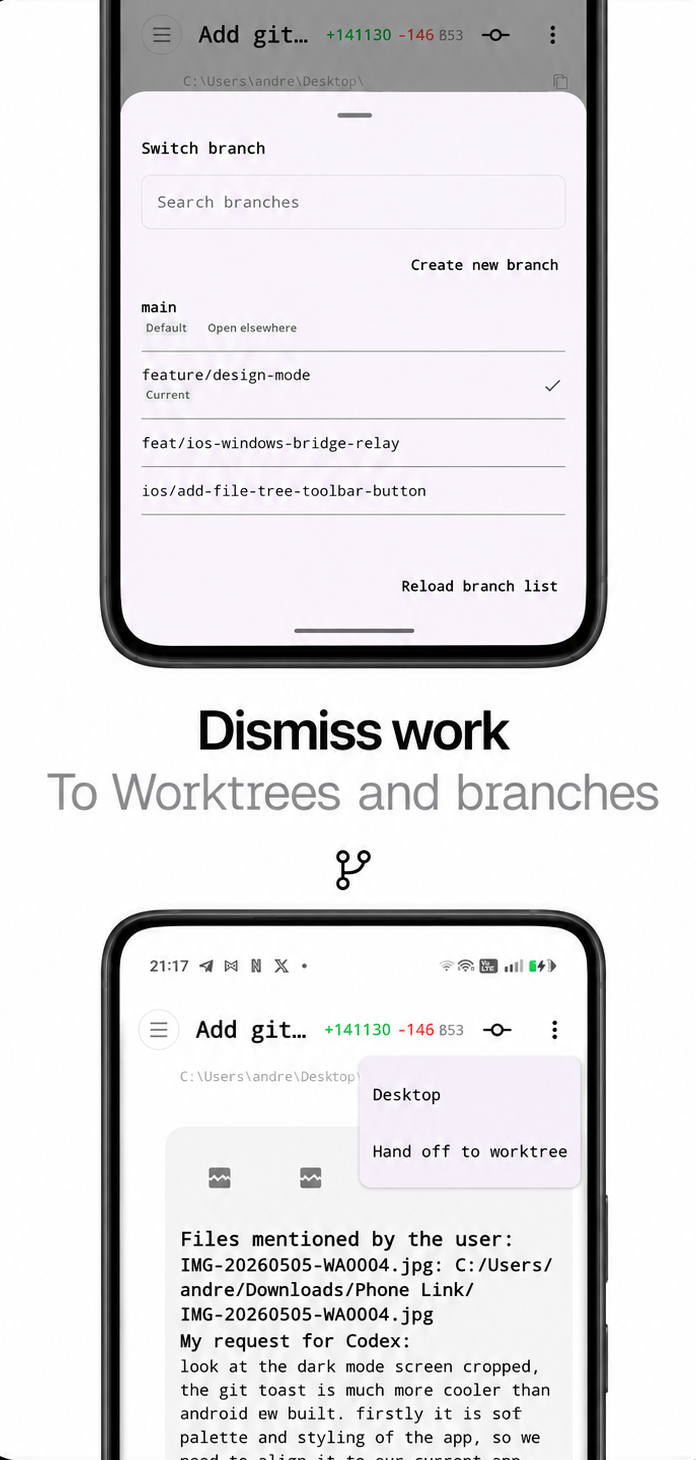
Android app screens.
Light mode demo
Pair with QR
Control runs
Dictate prompts
Review work